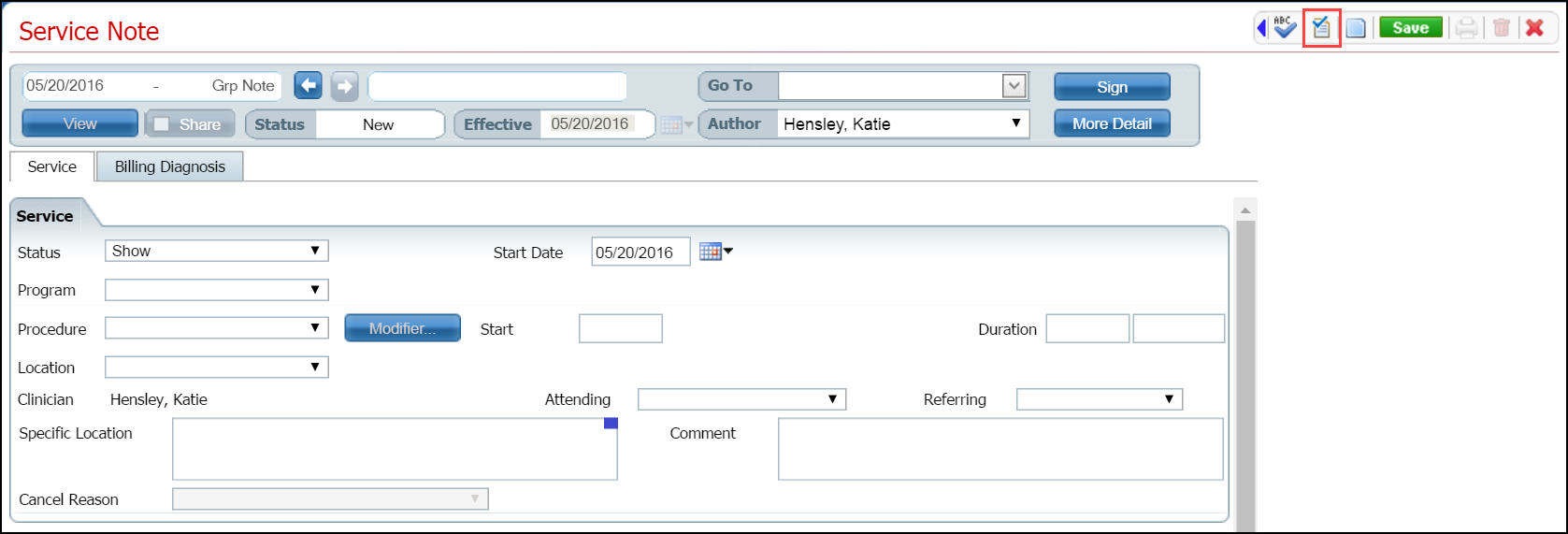
Make sure the Service Note page is displayed. Note: the page will have a different name when a document is displayed.
When you have completed the service note, click the Validate toolbar item. Note the red box outlining the toolbar item in the figure below.
The system validates that all necessary fields are completed.
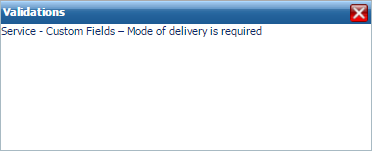
If some fields are blank, the following message window is displayed. The text in the window explains what needs to be completed.
-or-
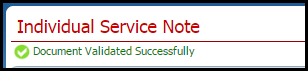
If all fields are complete, the following message is displayed.
You are ready to save and complete the page.