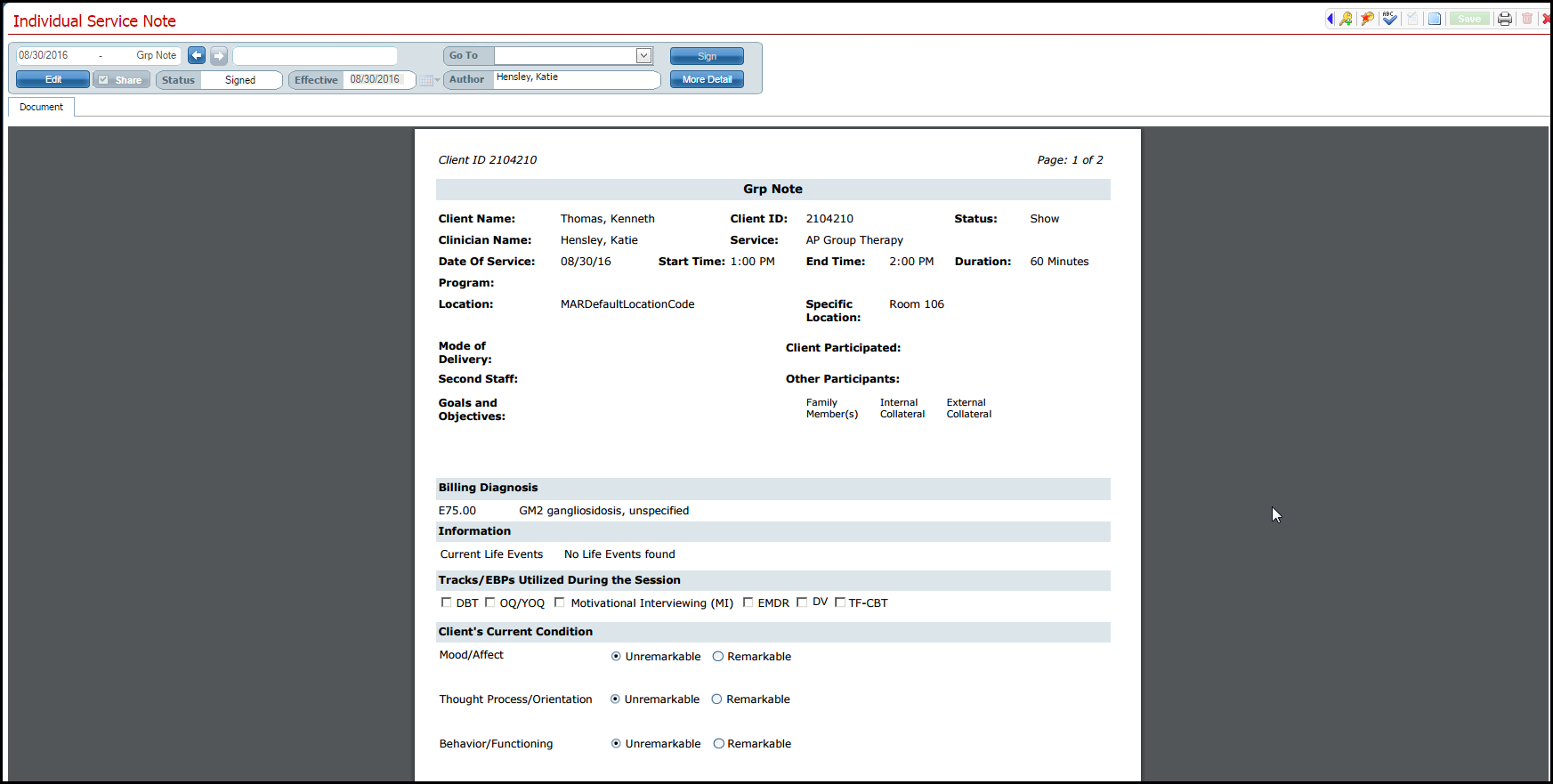
After the tabs in the Service Note page are complete, you are ready to sign the note.
Click the Sign button.
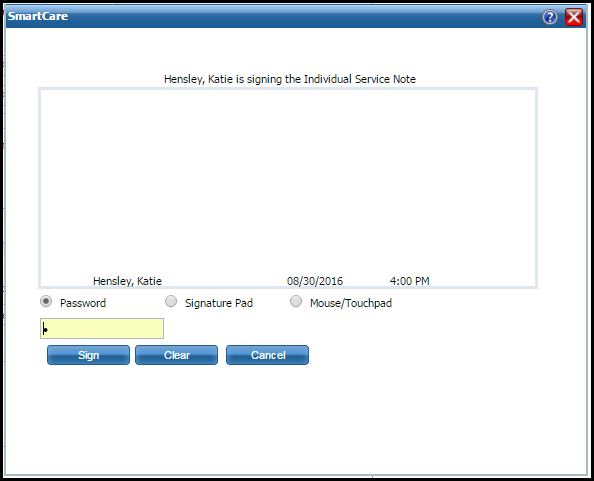
The Signature window is displayed.
Select how you will sign the note. Options are:
Signature Method |
Explanation |
Password |
Type your password in the field below the Password radio button. |
Signature Pad |
1. Click the radio button to select Signature Pad. 2. Sign your name using the signature pad. |
Mouse/Touchpad |
Click the radio button to select Mouse/Touchpad. Use the mouse or touchpad to sign your name. |
Click the Sign button.
The window is closed and the service note document is displayed.