Use the Open this Client drop down and select the <Open this client> option.
Search for and select the client. Tell me how...
When the client's name is displayed in a tab, follow this path: Client tab > Finance banner > Client Account sub-banner.
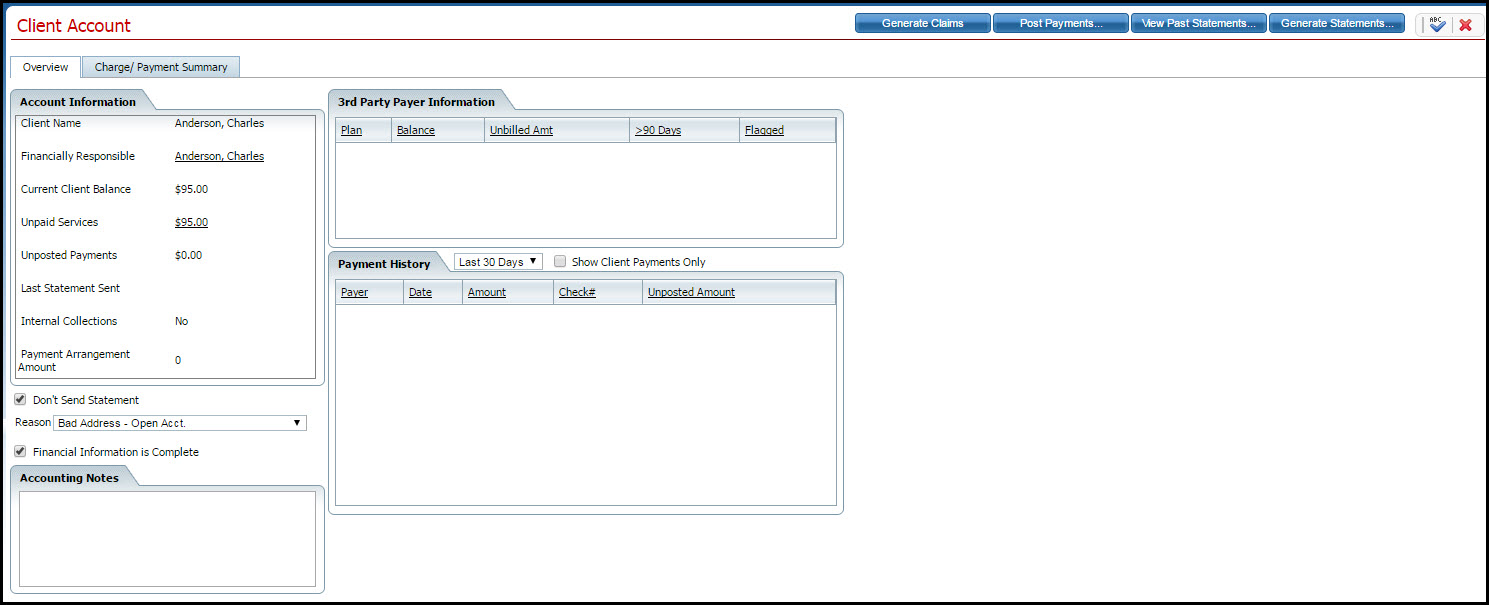
The Client Account page is displayed with the Overview tab active. View field definitions.