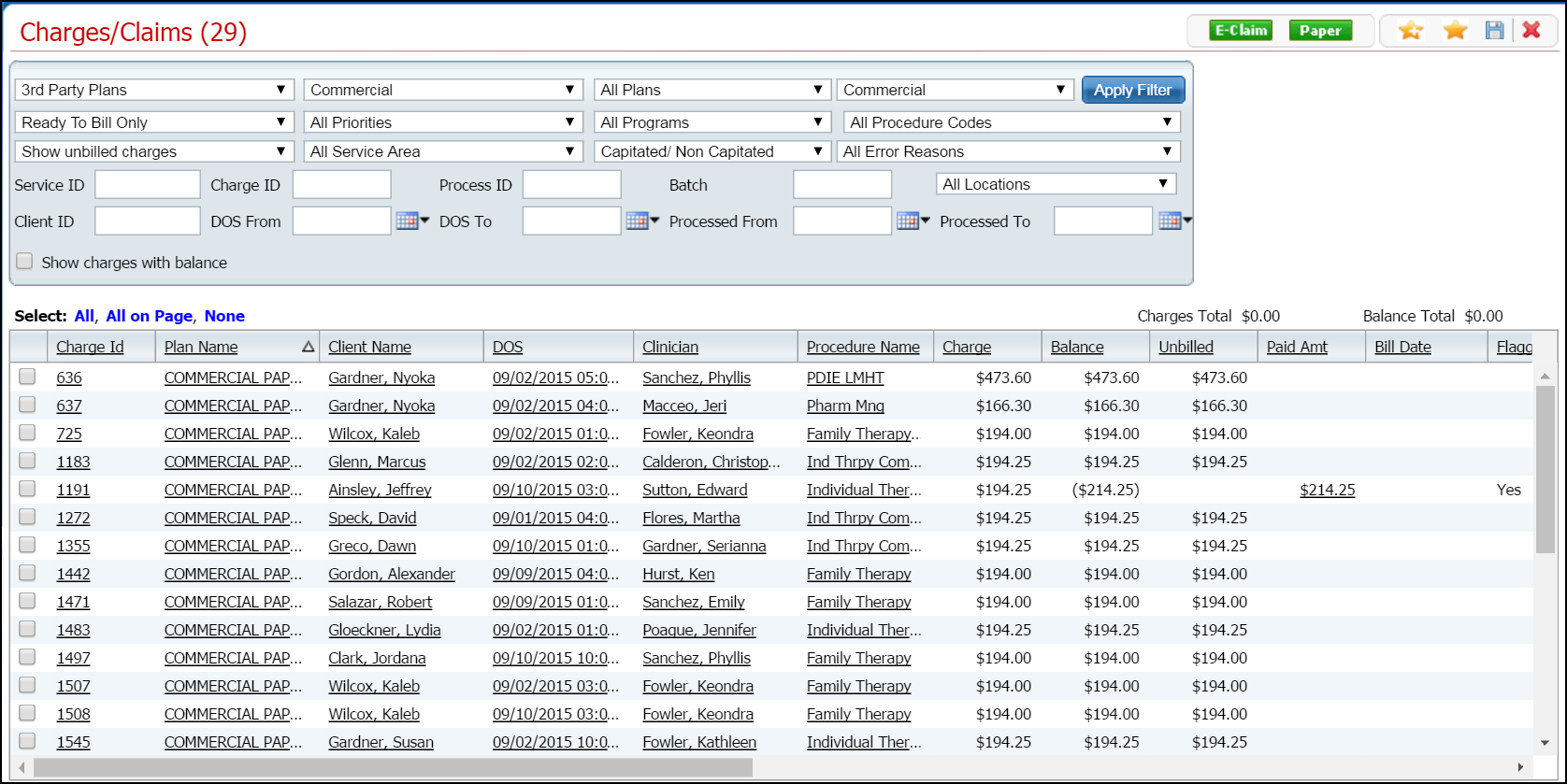
Display the Charges/Claims (####) list page. Tell me how...
The Charges/Claims (####) list page is displayed. View field definitions.
Filter the list to determine the records that are displayed. Tell me how...
When the records are displayed that you want to export the information to an Excel spreadsheet, click the Export icon in the tool bar.
The ExportData button is displayed in the footer of your browser window. Refer to the red box in the figure below.
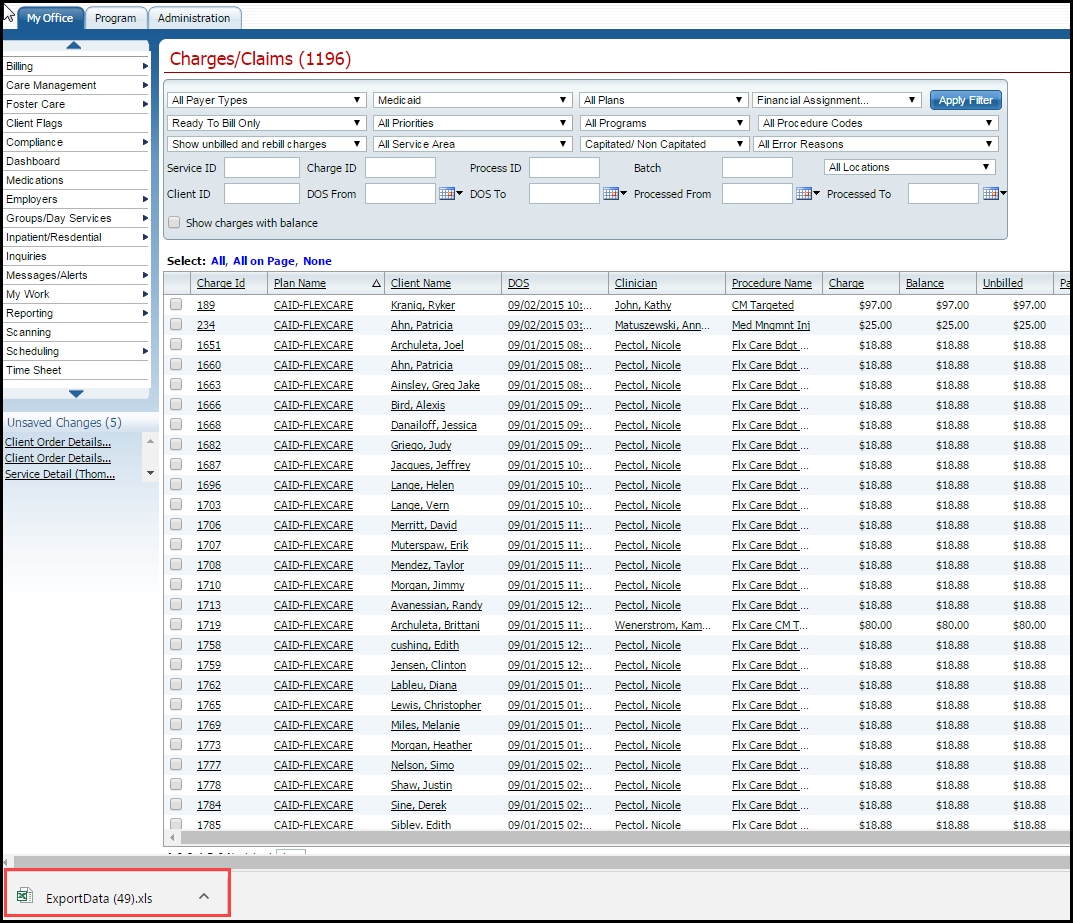
Click on the Export Data button to open the Excel file.
The file is opened in an Excel spreadsheet. You can edit, print and save the file as needed.