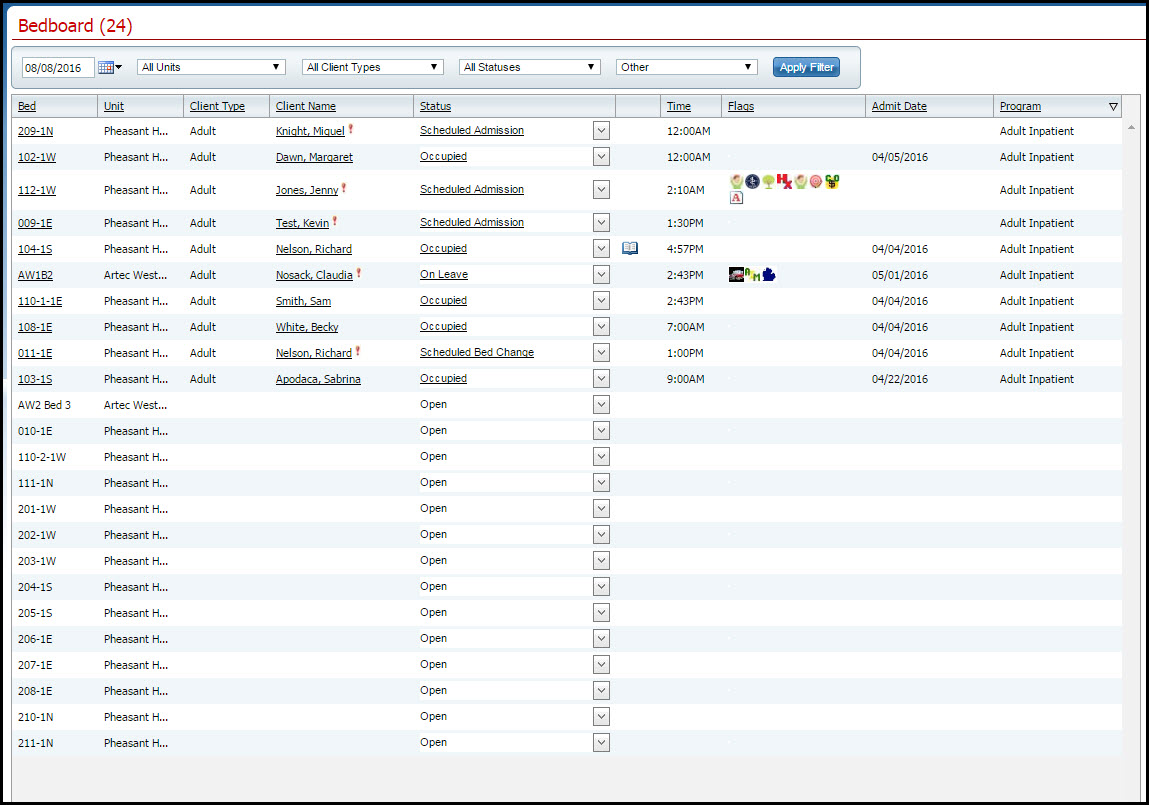
The Swing Bed option gives you the ability to change bed details for an open bed from the Bedboard list page. When you make changes using Swing Bed, the changes are updated on the Bedboard list page and also on the Units/Rooms/Bed list page in Administration.
Follow this path: My Office tab > Inpatient/Residential banner > Bedboard sub-banner.
The Bedboard (###) list page is displayed. View field definitions.
Filter the list to determine the records that are displayed. Tell me how...
Find the bed you want to change. It must have a Status of Open. Tell me how...
Click the drop down arrow in the Status column of the open bed you want to swing and select Swing Bed.
The Census Management - Swing Bed page is displayed. View field definitions.
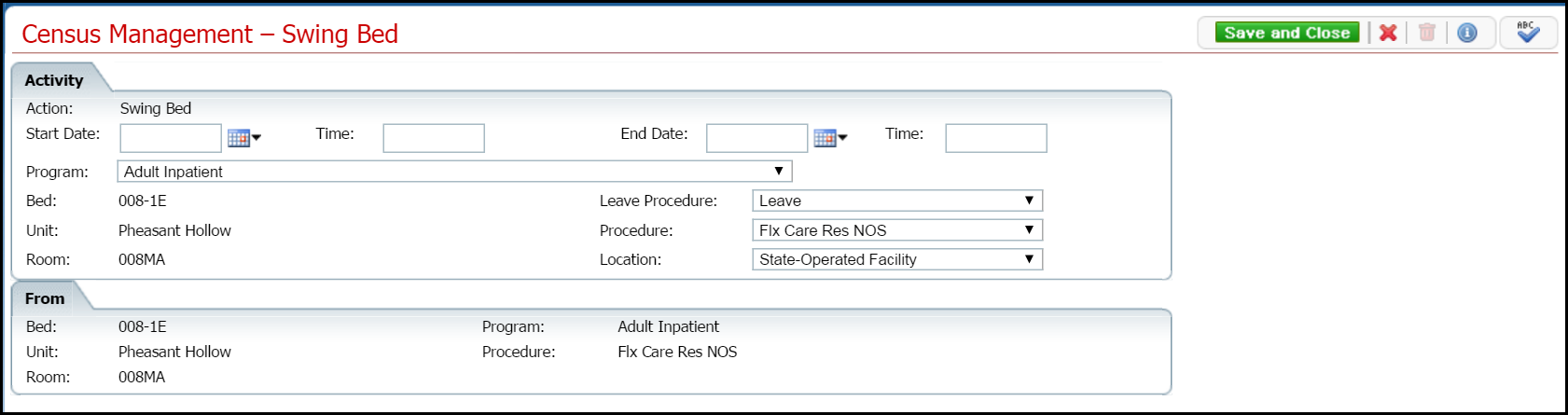
Complete the required and necessary fields on the Census Management - Swing Bed page.
When the page is complete, click the Save and Close button in the task bar.
A record of the change is displayed on both the Bedboard page and the Units/Rooms/Bed list page in the Administration tab.
Why can't I access these screens?